iPhone · macOS · Windows
Code from anywhere.
Mostly the couch. VybeCoding, the AI coding terminal for iPhone, Mac and Windows.
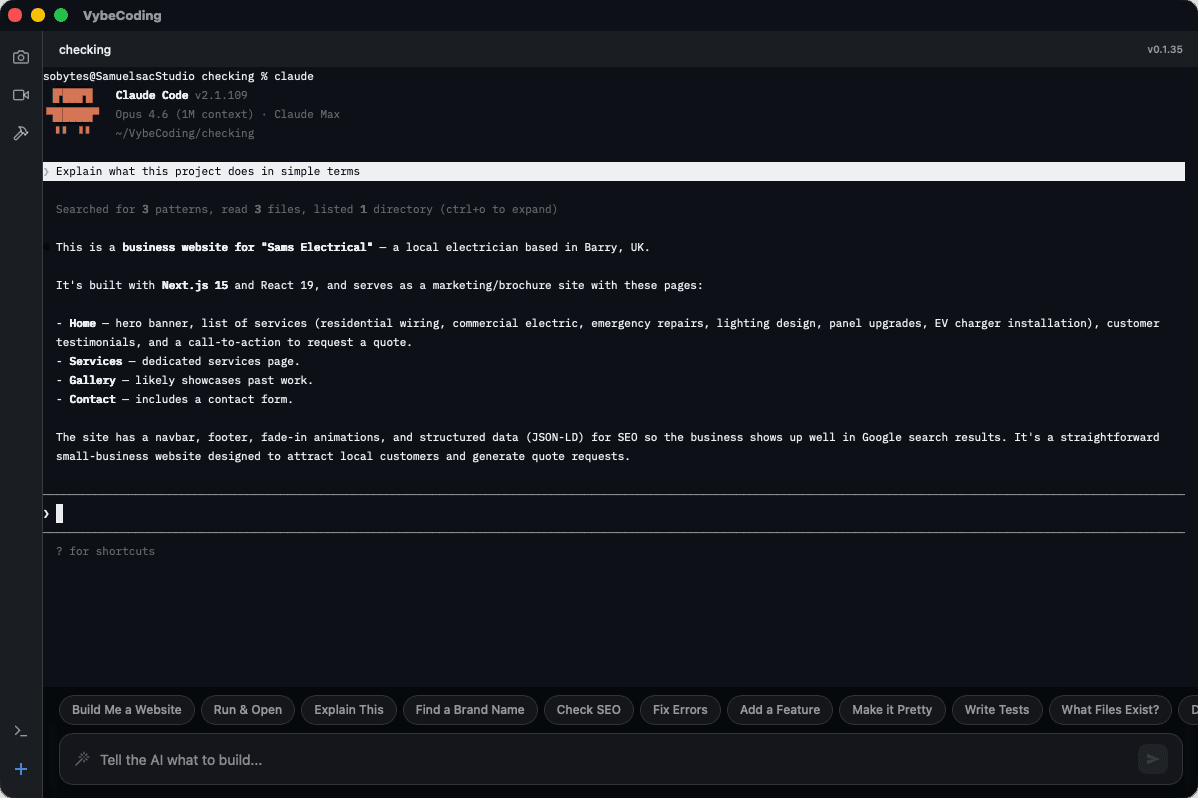
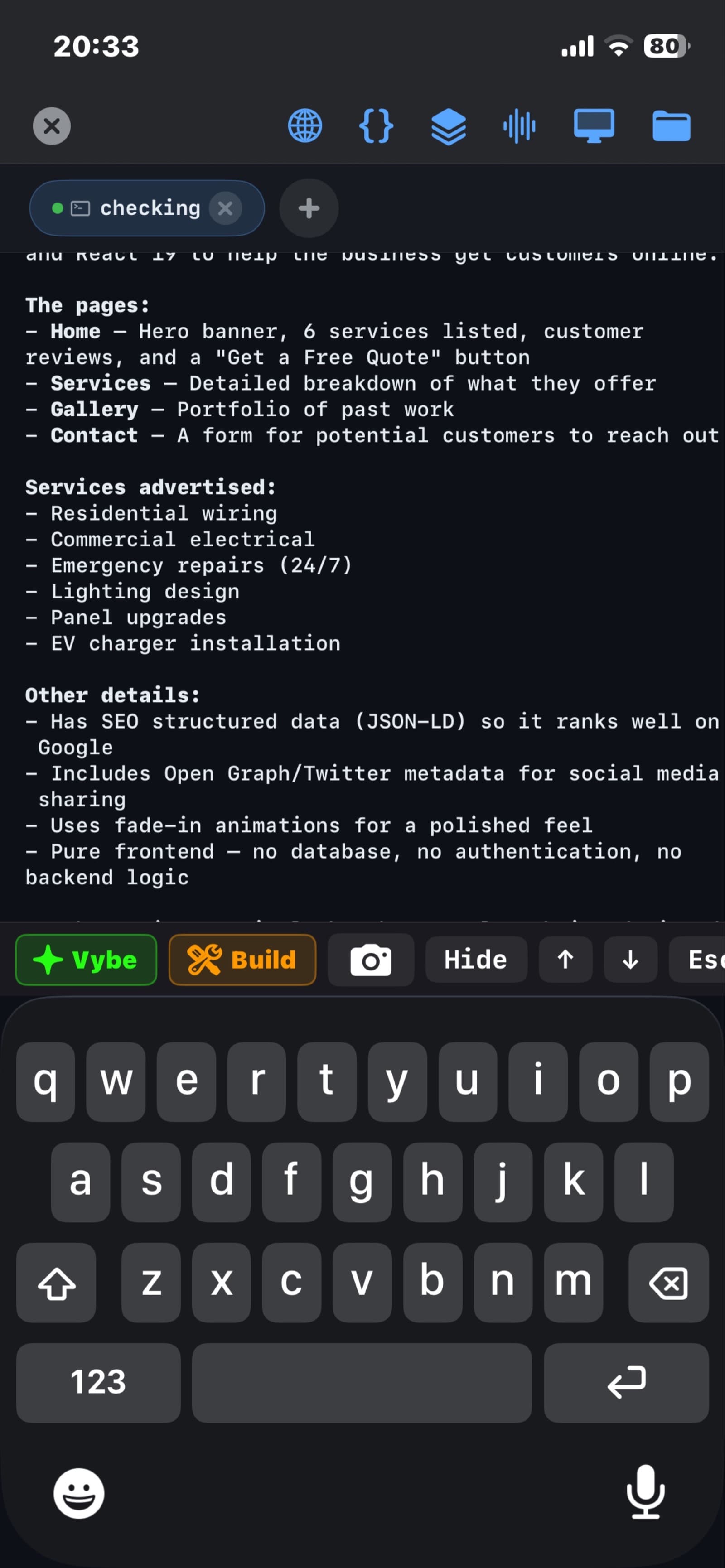
VybeCoding is the terminal that puts every AI coding tool in your pocket. Claude Code, Codex, Copilot and Gemini run on your computer. You drive them from your iPhone.
free · 2 server slots included · no account required
01 / the iPhone app
Everything you need. Nothing you don't.
A proper SSH terminal, plus the four other apps you'd normally juggle to code from a phone.
Talk to your server
Say what you want in plain English. VybeCoding listens, works out the command, and runs it. No man pages were harmed.
It won't let you rm -rf /
Every command gets a safety analysis before execution. Dangerous commands get flagged, warnings get shown. Your server lives another day.
See your desktop. From your phone.
Native VNC with RFB protocol support. Connect to your desktop and see it live on your iPhone. Tap to click, pinch to zoom.
Queue now, run later
Build a command queue, reorder it, review it, then fire. Batch operations without the anxiety.
Snap. Send. SFTP.
Take a photo, pick a file, send it to your server. SFTP lives inside the terminal, so there's no second app.
localhost:3000, meet iPhone
A built-in browser with a web console. Preview your dev server, read the logs and debug without leaving VybeCoding.
$ vybecoding --features
- voice-commands
- ai-safety-analysis
- remote-desktop
- speech-to-command
- mdns-discovery
- sftp-transfer
- multi-tab-sessions
- persistent-sessions
- ssh-key-auth
- command-queue
- port-forwarding
- cross-device-sync
02 / voice to shell
From English to shell in under a second.
You don't need to remember whether it's -size or --size. Just say what you want.
- 01 listenHold the mic and say it the way you'd say it to a colleague.
- 02 translateVybeCoding turns it into the actual shell command, flags and all.
- 03 checkEvery command is reviewed before it runs. rm -rf / does not get a pass.
# waiting for you to say something
03 / the desktop app · macOS + Windows
Your desktop, controlled from anywhere.
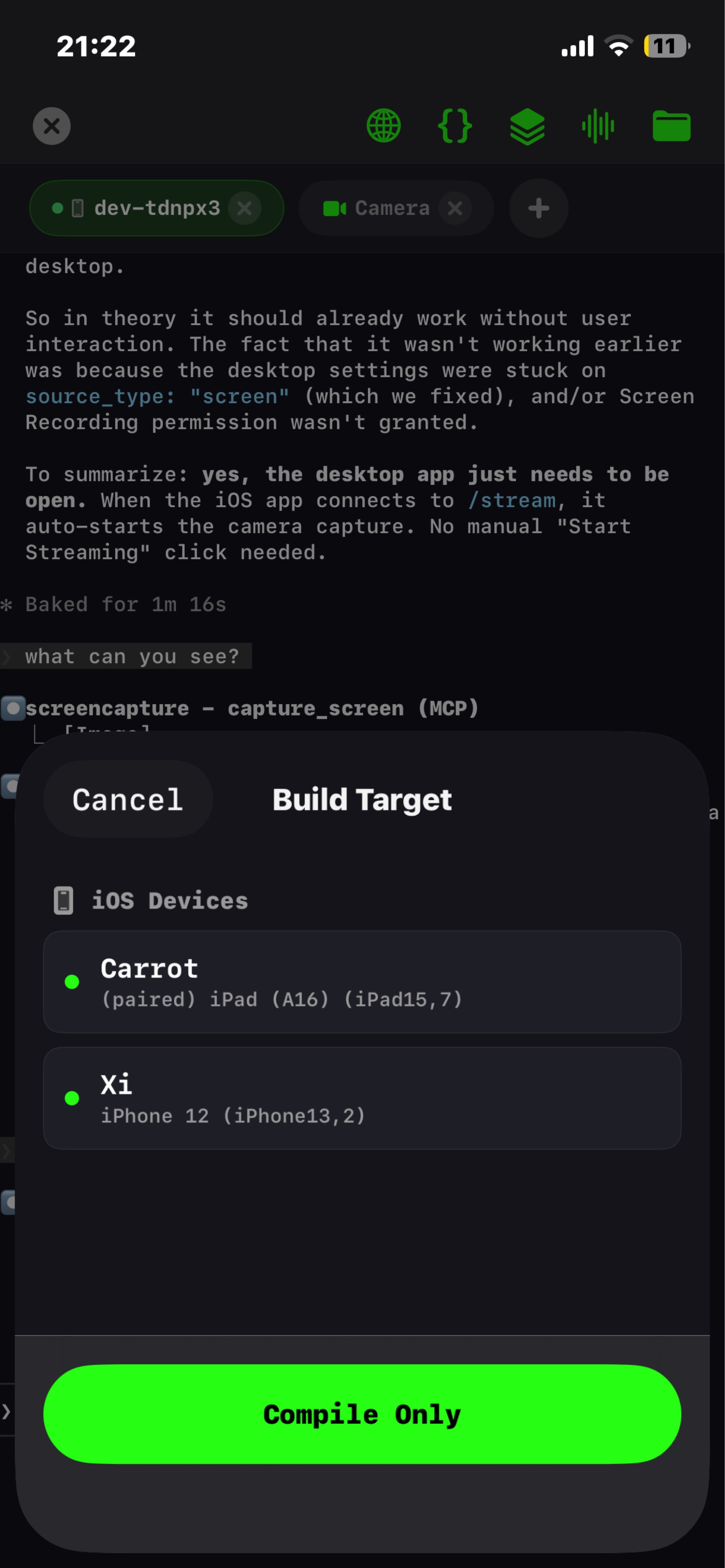
VybeCoding Desktop turns your Mac or Windows PC into the development server. Your phone does the talking; the desktop does the heavy lifting.
Build from your phone
Tap Build on your iPhone. Your desktop runs xcodebuild (Mac) or your build chain (Windows) and streams the output back. It installs to your device without you opening Xcode.
Finder and Explorer integration
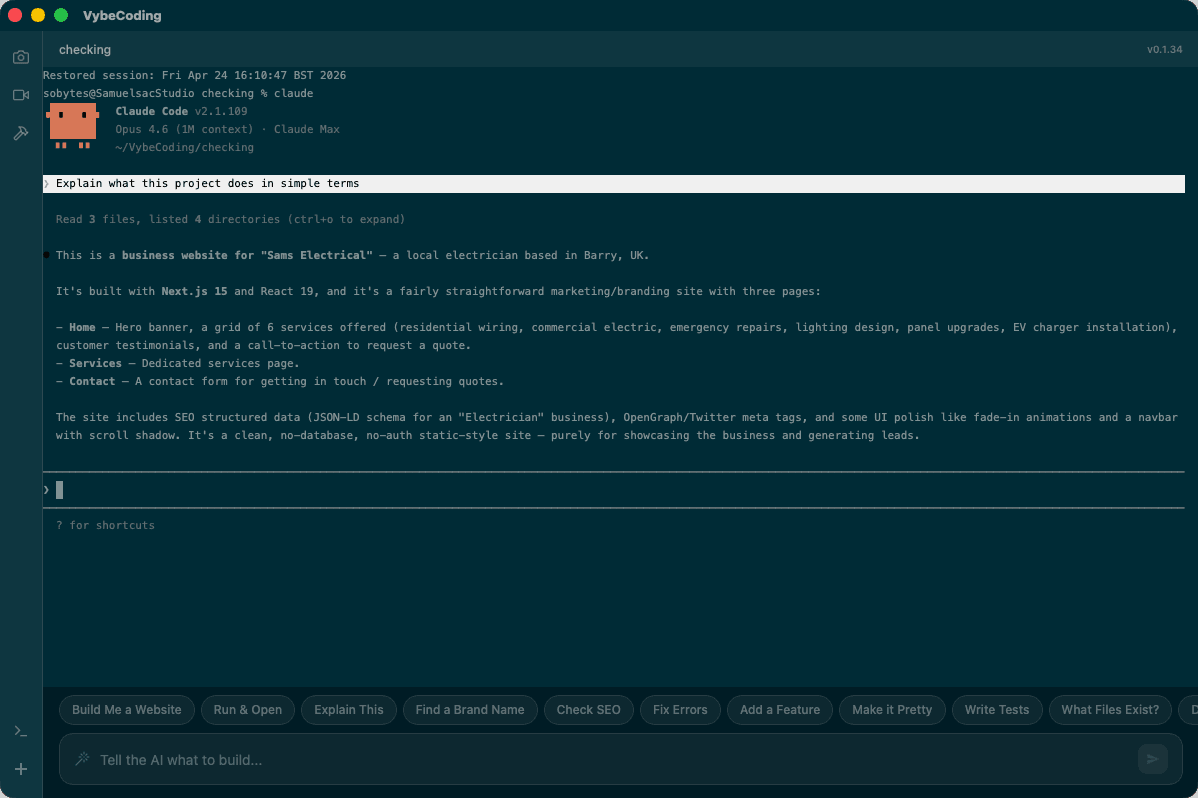
Right-click any folder in Finder or File Explorer and choose Open in VybeCoding. A terminal opens in that directory.
Tabs that survive things
Split view, named sessions and persistence built in. Terminals survive app restarts, crashes and reboots.
Live webcam streaming
Stream your camera to any device on your network. MJPEG over HTTP with token auth. Nothing to configure.
Phone to desktop file transfer
Send photos from your iPhone and they land on your desktop. Insert the path straight into the terminal.
AI coding tools, one click away
Launch Claude Code, Codex, Copilot or Gemini in one click. The app shows which are installed and walks you through the rest.
mac universal · windows 10/11 64-bit · free · no account required
04 / away from the desk
On the go? Switch to mobile.
Pick up where you left off on your iPhone. Same sessions, same tools, same half-finished feature. The desktop keeps them running while you're out.
New here? The get started guide walks you through setup, one step at a time. Or read more about the desktop app.
05 / from people who closed the laptop
The desk is now optional.
“Every AI coding tool I use lives in one app now. I run them from my phone, and the desktop app gives them full access to my Mac. Screen, files, camera, everything. The whole dev process keeps going whether I'm at my desk or not.”
“I used to need my laptop open to get anything done. Now I open VybeCoding on my phone, pick an AI model, and let it work. The desktop app connects everything on my Mac so the AI can actually see and do what it needs to. I code from anywhere.”
Full disclosure
VybeCoding built this app.
VybeCoding built this website.
VybeCoding wrote this copy.
The developer was on the couch the entire time.
$ git log --format='%an' | sort -uVybeCoding$ pwd/home/dev/couch
06 / faq
Questions, answered.
- What is Vybe Coding / VybeCoding?
- Vybe Coding (VybeCoding) is an AI powered terminal app for iPhone, Mac, and Windows. It lets you connect to servers over SSH and use plain English voice commands to run shell commands. It includes safety analysis, VNC remote desktop, SFTP file transfer, and more, all from your phone or desktop.
- Is VybeCoding free?
- Yes. VybeCoding is free to download with 2 server slots included. An optional unlimited plan removes the server limit and unlocks all features. No account is required to get started.
- Does VybeCoding Desktop work on Mac and Windows?
- Yes. VybeCoding Desktop is a free companion app for both macOS and Windows. The Mac build is a universal binary that runs on Apple Silicon and Intel Macs. The Windows build runs on 64-bit Windows 10 and 11. Both provide persistent terminal sessions, built in AI coding tools (Claude Code, Codex, Copilot, Gemini), shell integration with Finder/Explorer, webcam streaming, and file transfer to and from your iPhone.
- How is VybeCoding different from Termius or Blink Shell?
- VybeCoding is built for vibe coding, AI-first development from your phone. While Termius and Blink Shell are traditional SSH clients, VybeCoding adds voice to shell command translation, AI safety analysis that reviews commands before execution, a command queue, VNC remote desktop, and a desktop companion app for Mac and Windows that keeps sessions alive through reboots.
07 / open to investors
We think the next dev setup fits in a pocket.
Build, test and ship from any device, away from the desk. If you see the same thing we do, say hello.
vybecodin@gmail.com